 Watch video







 Sign in with Google
YouTube News
YouTube Collaboration feature: what it is, how it works, and what creators need to know

tl;dr
- The YouTube Collaboration feature lets creators tag up to four partner channels on a single upload.
- Tagged videos can be recommended to the audiences of all collaborators, giving creators algorithmic cross-promotion.
- This is a major discoverability boost for small and mid-size channels.
- The feature is still in testing and has limits: only one channel can host the video, no shared revenue or shared analytics, and collaborators must manually accept invites.
- Smart use cases include niche creators teaming up, series-based collabs, and collabs that match audience interests.
- Watch for future updates on monetization, analytics, and multi-channel publishing support.
The YouTube Collaboration feature is a new way for creators to tag collaborators on a single upload so the YouTube algorithm can recommend the video to the audiences of every channel involved. In other words, it is an incentive for creators to work together. It’s a simple idea with potentially huge upside for discoverability, especially for smaller channels. While the feature is still in testing and has a few important limitations you should understand before you start planning collabs around it.
Table of Contents
- How the YouTube Collaboration feature works (step by step)
- Why this matters: algorithmic cross-promotion
- Who benefits most
- Current limitations and unanswered questions
- How to use Collaboration feature strategically (while it’s in testing)
- What to watch for as the feature evolves
- Further reading and resources
- Bottom line

Get an unfair advantage on YouTube
Give your YouTube channel the upper hand and easily optimize for more views, more subs, and more of every metric that matters.
How the YouTube Collaboration feature works (step by step)
At its core, the YouTube Collaboration feature is straightforward:
- A creator uploads a video and invites up to four other channels through YouTube Studio.
- Each invited creator must accept the collab invitation.
- After acceptance, all collaborators’ channel icons appear next to the video title, and viewers can click the names to see a subscribe box listing everyone involved.
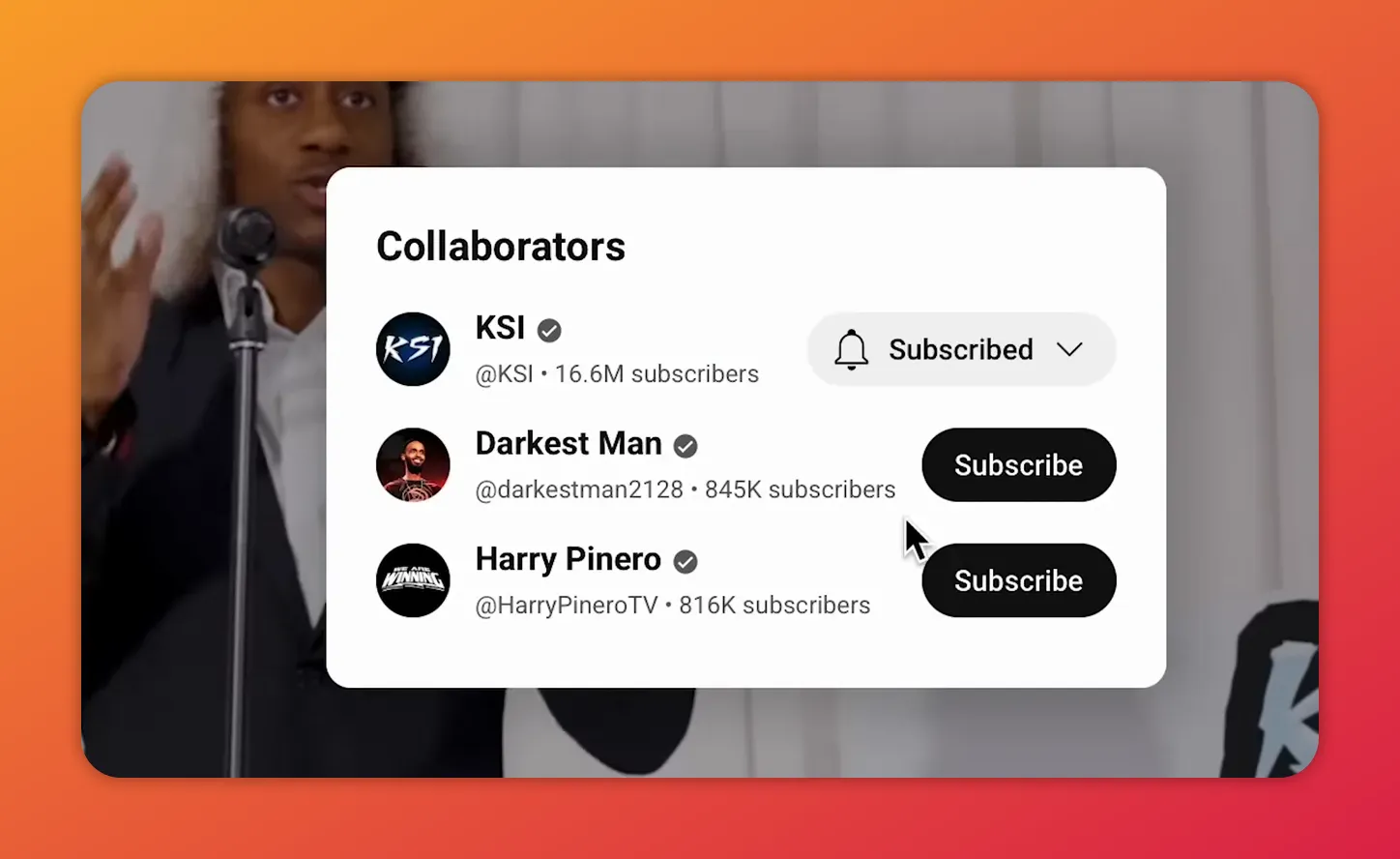
Clicking a collaboration icon opens a ‘Collaborators’ subscribe box listing every channel in the collab.
This replaces the old “link in the description” approach. Instead of relying on viewers to manually click a link, the YouTube Collab feature signals directly to YouTube that multiple audiences should be considered for recommendations.
Why this matters: algorithmic cross-promotion
What makes the YouTube Collaboration feature different is that it plugs collaborations into the recommendation system itself. When you tag collaborators, YouTube treats the video as relevant to the viewers of each collaborator’s channel. In practice that means one upload can be recommended to multiple creator audiences simultaneously — a powerful boost for reach.
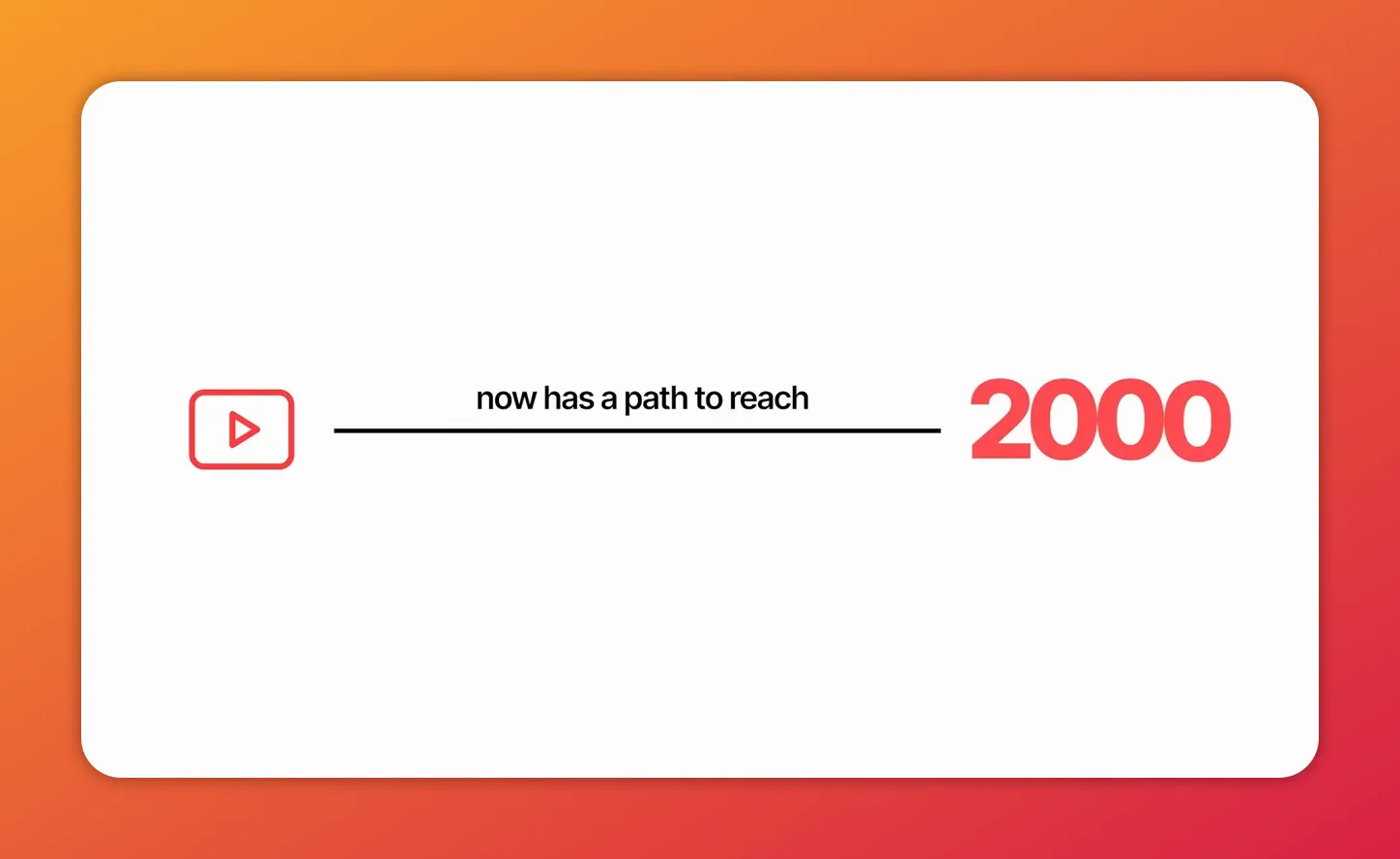
For small creators this is especially meaningful. If you have 500 subscribers and you collab with three similar channels, your single video suddenly has a path to a combined audience of 2,000 subscribers without anyone having to manually share links or repost the same video on multiple channels.
Who benefits most
Until or unless we hear otherwise, any creator in good standing (i.e. any creator operating within the confines of the YouTube community guidelines) can use the YouTube Collaboration feature.
However, like many recent YouTube develoipments, the goal seems to be to give smaller creators a chance to shine. The YouTube Collaboration feature is ideal for:
- New and emerging creators who rely on collaborations to find new viewers.
- Creators who produce content with natural crossovers — think multi-host shows, guest interviews, or shared challenges.
- Teams and small networks that want a simple way to promote a single piece of content across multiple audiences.
Current limitations and unanswered questions
The feature is promising, but it’s not finished. Here are the headline issues every creator should weigh before relying on Collaboration as a growth strategy.
1. Revenue distribution
Right now, only the channel that uploads the video receives ad revenue. There is no built‑in revenue split for collaborators. The exposure may be shared, but the money isn’t. Unless, of course, there’s an off-platform agreement.
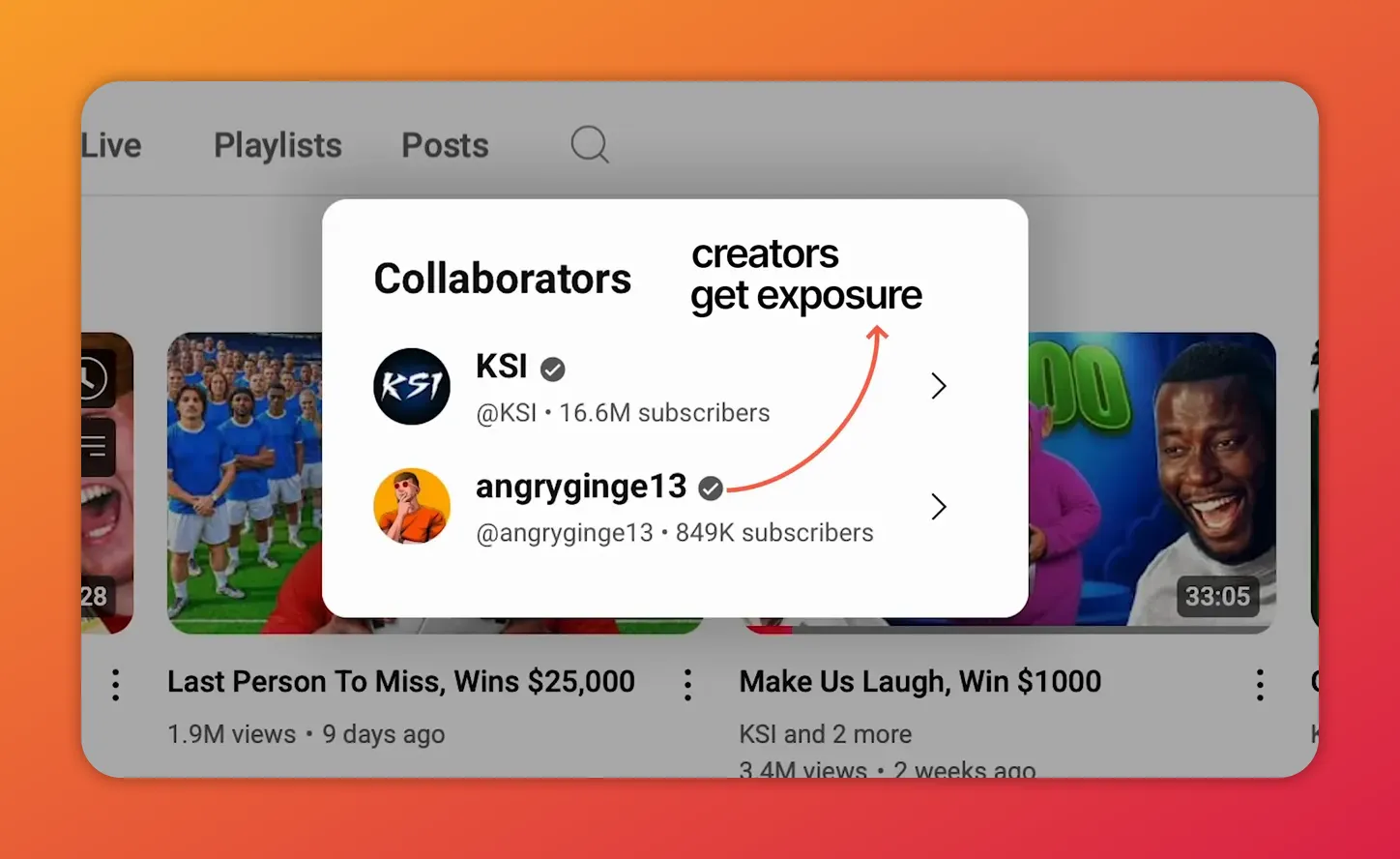
The collaborators pop-up shows how tagged channels are surfaced to viewers.
2. Single-channel Limitation
Unlike Instagram or TikTok collabs that post the same content to every collaborator’s profile, the YouTube collaboration feature places the video only on the uploader’s channel. That means collaborators won’t have the video on their channel pages, which affects channel consistency and subscriber-facing catalogs.
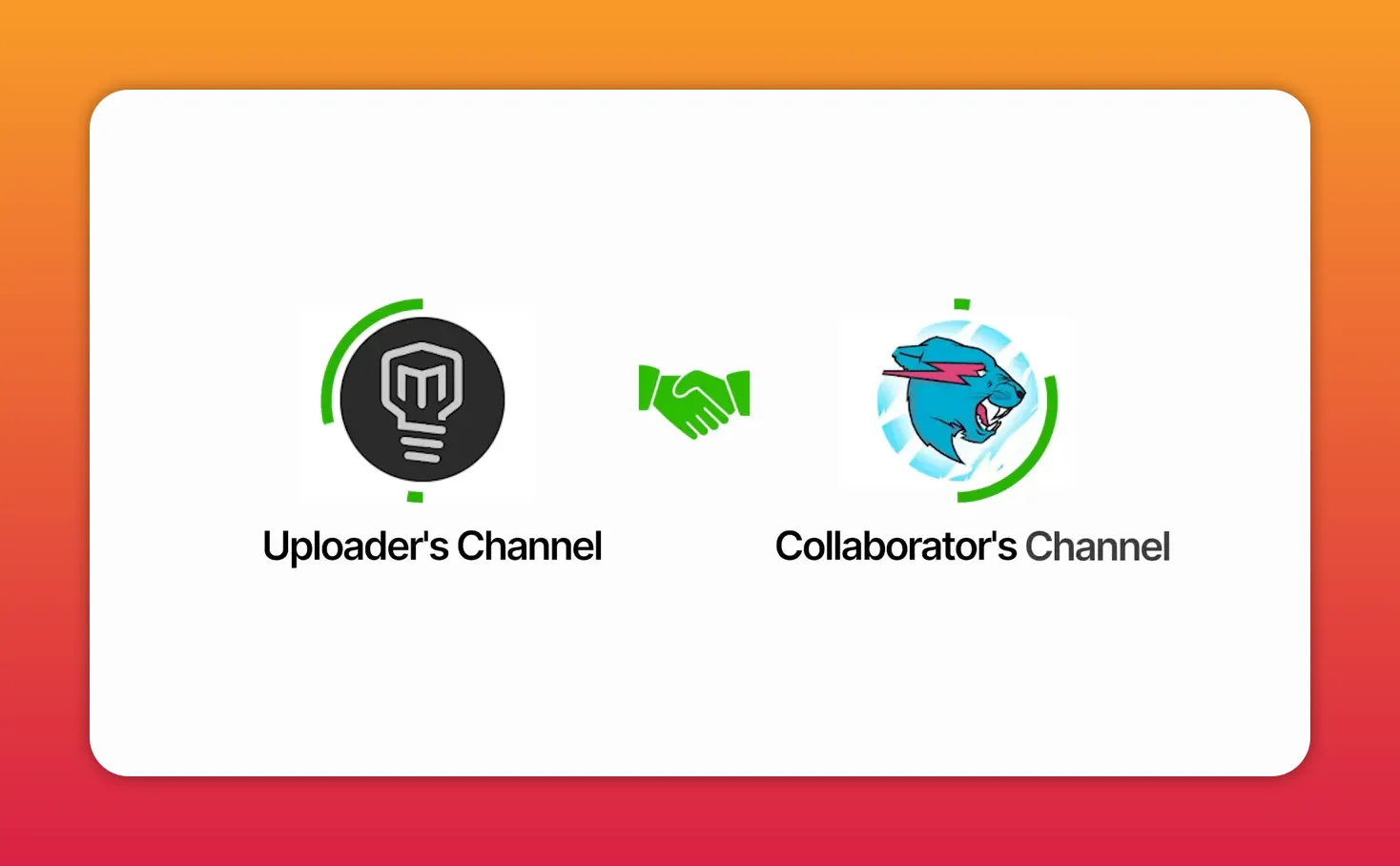
The collab video appears on the uploader’s channel — not on each collaborator’s page.
3. analytics and crediting
It’s currently unclear whether views, watch time, and other engagement metrics will be attributed solely to the uploader or shared among collaborators. This matters for milestones, monetization eligibility, and how you measure the collab’s success.
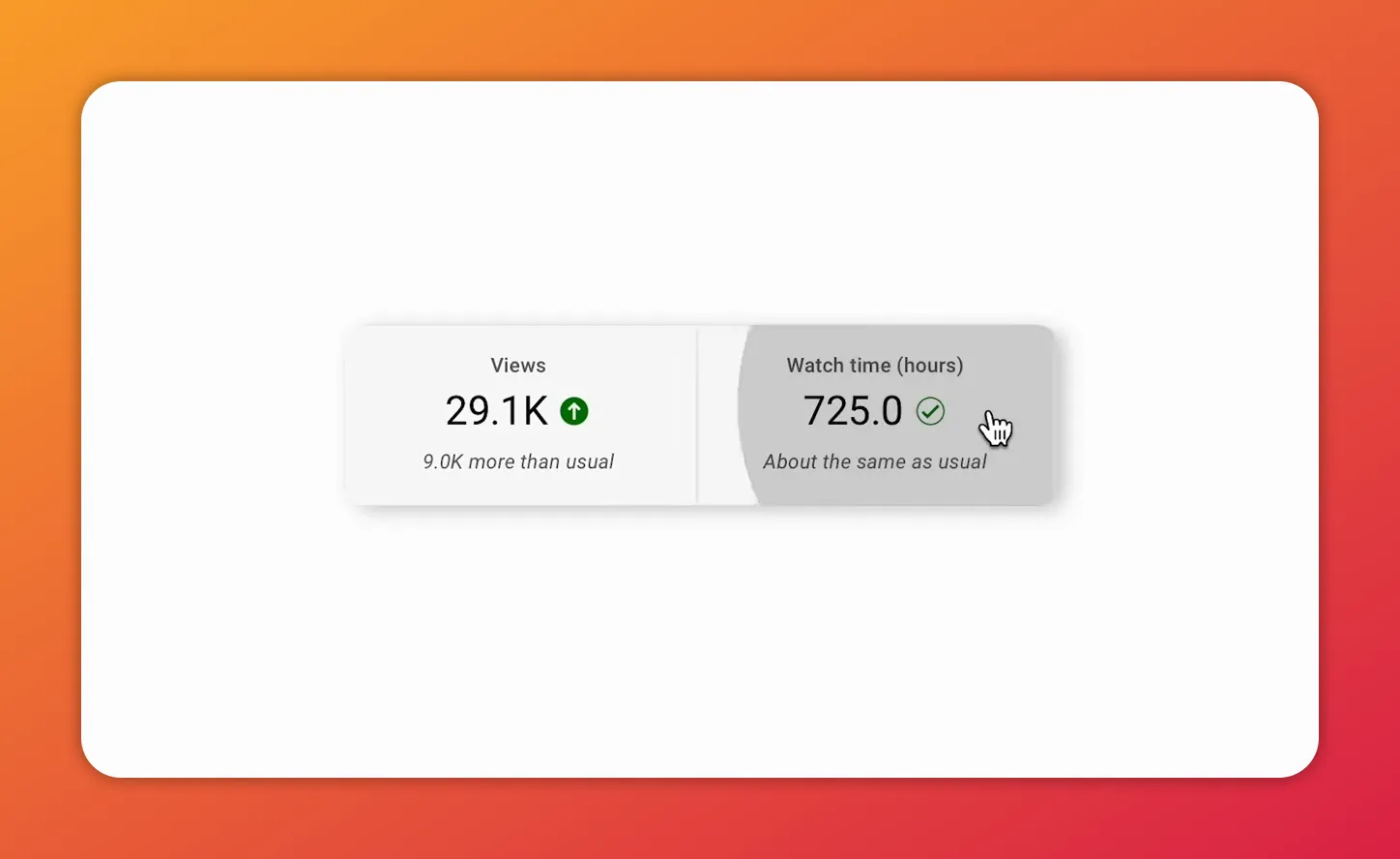
Analytics snapshot showing views and watch time — key metrics to watch for collabs.
How to use YouTube Collaboration (while it’s in testing)
Before you jump in though, here are a few caveats and cautions to keep in mind:
- Communicate revenue expectations up front. If ad revenue matters, agree on an off-platform split or compensation before you accept an invite.
- Pick collaborators whose audiences genuinely overlap with the topic. Cross-promotion works best when the viewers are likely to watch and subscribe.
- Use analytics to track uplift. Compare performance of collab videos against your normal baseline to understand the real impact on subscribers and watch time.
- Keep a backup plan for posting. If you want the video on multiple channels, consider posting unique versions or clips on your collaborators’ channels to keep content libraries aligned.
What to watch for as the feature evolves
Because YouTube is testing the Collaboration feature, expect it to evolve and change. Some of the things we hope to see:
- Built-in revenue sharing or partner payouts.
- Shared analytics or a clear way to split views and watch time credit.
- Optional multi-channel publishing so the same video can appear on every collaborator’s channel.
As a creator, there’s definitely a benefit to being an early adopter of new platform features on the platform. For that reason alone, the new YouTube collaboration feature is worth exploring.
Further reading and resources
Want to learn more about collaboration best practices and channel growth? These TubeBuddy guides are a great place to start:
- Video collaboration tips
- How to reach 1,000 subscribers
- Growing watch time quickly
- How YouTube recommends videos
Bottom line
The YouTube Collaboration feature is a genuine shift in how collaborations can scale on the platform. It uses the recommendation system to extend reach across multiple audiences, making it a potentially game‑changing growth tool — especially for small and emerging creators. But because it’s still in testing, pay attention to revenue and analytics limitations and set clear expectations with collaborators. Used wisely, the YouTube Collaboration feature could become one of the fastest ways to accelerate channel growth.
Get an unfair advantage on YouTube
Give your YouTube channel the upper hand and easily optimize for more views, more subs, and more of every metric that matters.