


 Watch video



 Sign in with Google
YouTube Strategy
5 YouTube changes that will affect your channel in 2025

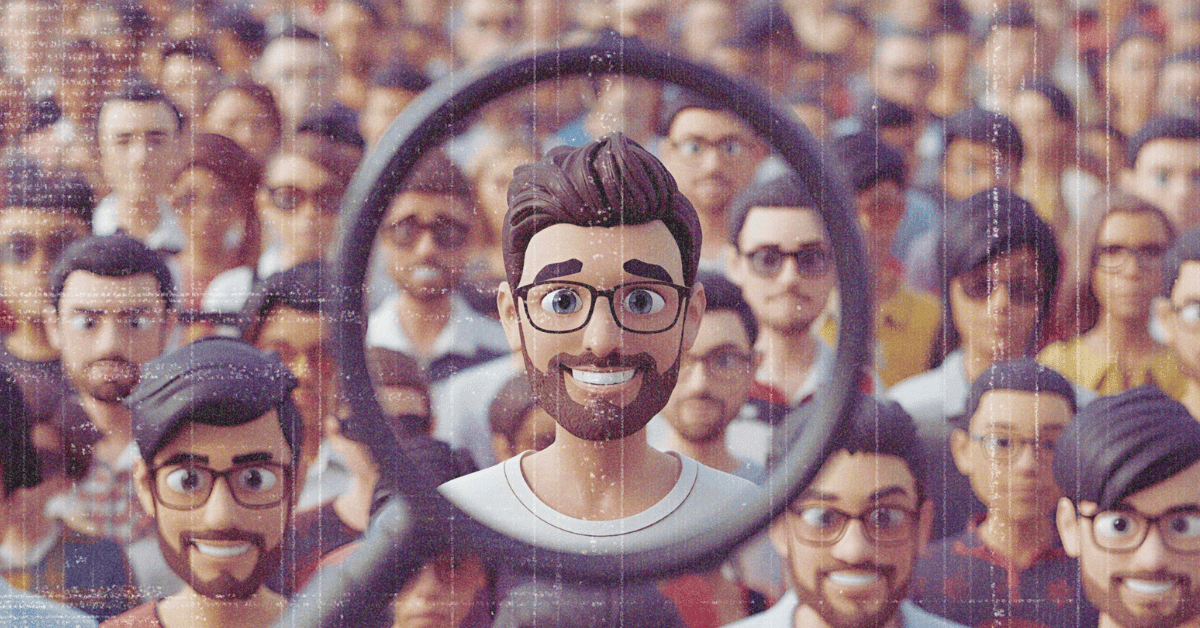
YouTube never stays still. One year it favors long-form storytelling, and the next, it pushes short clips to the top of everyone’s feed. The YouTube changes in 2025 bring a mix of new features and policy updates that directly shaped (and continue to shape) how creators grow their channels this year.
Some of these updates give smaller channels a better shot at visibility, while others call for a shift in how you plan and upload content.
In this post, we’ll look at the biggest YouTube changes of 2025, how they impact creators, and what steps you can take to stay ahead.
Overview of major YouTube changes in 2025
Let’s break down the most important YouTube updates every creator should know about this year.
1. Category-based trending tabs
The old single “Trending” page is gone. YouTube now displays trending videos by category such as Music, Gaming, or Comedy. This gives creators a better shot within their niche and makes things feel a bit more fair; instead of competing with viral megahits, smaller channels can now appear in trending feeds specific to their content type.
2. AI-powered search previews
When someone searches on YouTube, an AI preview panel now appears, showing a quick summary and top recommended videos. If your title, tags, and description clearly match search intent, your video could appear in that preview. It’s a great opportunity, especially for smaller creators, to get greater visibility and more clicks.
👉 Tip: Write your video descriptions clearly and front-load your keywords.
How A/B testing can help: How to find the best title + description for your YouTube video
How to write better YouTube descriptions (with examples, 2025 update)
3. Hype feature for small creators
The Hype button is rolling out globally in 2025. Viewers can “hype” videos they enjoy, helping those videos get featured more prominently — especially for channels under 500K subscribers. It’s a simple but powerful way for fans to boost creators whose content deserves more attention.
More: How to get discovered on YouTube: Why new creators are being pushed in 2025
4. Thumbnail A/B testing in YouTube Studio
You no longer have to guess which thumbnail performs best. YouTube test and compare thumbnails lets you upload up to three options and automatically test them with viewers. Once it identifies the highest-performing thumbnail (determined by watch time), it sets that one as default. TubeBuddy YouTube A/B Testing Tool takes it a step further, allowing creators to test thumbnails, titles, descriptions, tags, and other parameters. TubeBuddy A/B Testing can also segment YouTube A/B tests considering traffic source.
5. Vertical live streams in the Shorts feed
Earlier in 2025, creators saw major changes in linking rules and behaviour in YouTube Shorts. This change gave rise to the YouTube Shorts flood strategy, an effective way to send viewers from Shorts to long-form videos (where the real money is).
With a more recent change to Shorts, creators can now go live in vertical format, and have their streams appear directly inside the Shorts feed. For creators with a mobile-first audience, this is a major opportunity to attract real-time engagement while viewers scroll through short videos.
How these updates impact YouTube creators
Now that you know what’s new, let’s talk about how these YouTube changes affect your channel — and how to use them to your advantage.
Easier discovery for small channels
Updates like category-based trending tabs and the Hype feature make it easier for smaller creators to get noticed. Instead of relying on a viral hit, YouTube’s system now highlights quality niche content in front of relevant audiences.
Better tools for testing and growth
Features such as thumbnail A/B testing remove the guesswork. You can now see which visual style or tone connects best with your audience, making your growth strategy more data-driven.
A boost for mobile-first content
Vertical live streams integrated into the Shorts feed mean more opportunities to reach audiences on mobile devices — now the dominant viewing format on YouTube.
Smarter SEO and click potential
AI-powered search previews give an extra reason to sharpen your video metadata. Crafting titles and descriptions that align with viewer intent increases your odds of appearing in AI summaries and getting higher click-through rates.
For more detail, check out how to optimize on YouTube: 10 tips.
Adapting to YouTube’s changes for better growth
Understanding what’s new is just the first step — here’s how to turn these 2025 YouTube changes into growth opportunities.
Refresh your content strategy regularly
Features like category-based trends and AI previews reward channels that stay active. Keep an eye on what’s performing, plan uploads around trending topics, and adapt your strategy as needed. TubeBuddy’s Keyword Explorer can help you spot rising topics before they peak.
Use new features early
Jumping on new YouTube tools early often gives creators an advantage. Test vertical live streams, experiment with the Hype button, and use thumbnail A/B testing right away. Early adoption can boost reach and audience retention.
Focus on engagement signals
YouTube continues to prioritize videos with strong watch time and viewer interaction. Create clear calls to action, encourage comments, and reply to your audience to strengthen engagement.
Track performance and optimize
Growth on YouTube is built on continuous improvement. Use analytics from both YouTube Studio and TubeBuddy to track what works — from thumbnails to retention patterns — and double down on what performs best.
Staying ahead with YouTube’s latest updates
2025 is shaping up to be one of YouTube’s most dynamic years yet. From AI-powered previews to vertical live streams and the new Hype feature, these YouTube changes are all designed to help active, consistent creators grow faster.
The key is to adapt quickly, experiment often, and use tools that make smart optimization easier. TubeBuddy helps creators analyze performance, test thumbnails, and spot new trends — so you can focus on what really matters: creating great content and growing your audience.





