


 Watch video








 Sign in with Google

SEO Studio
YouTube SEO Studio – Optimize Titles, Descriptions & Tags for Better Rankings
Boost your video rankings with the most accurate YouTube SEO Studio. Optimize your titles, descriptions, tags, and metadata to appear in more relevant searches and improve your visibility across YouTube search and suggested results.
An Entire Suite of SEO Tools to Optimize Your Channel
YouTube SEO Studio helps you optimize everything behind the scenes so your videos rank in the right searches. From YouTube description optimization to guided keyword suggestions, it follows a clear YouTube SEO checklist to improve visibility.
Use SEO Studio with Keyword Explorer to find high-performing keywords, understand search intent, and optimize faster with confidence.
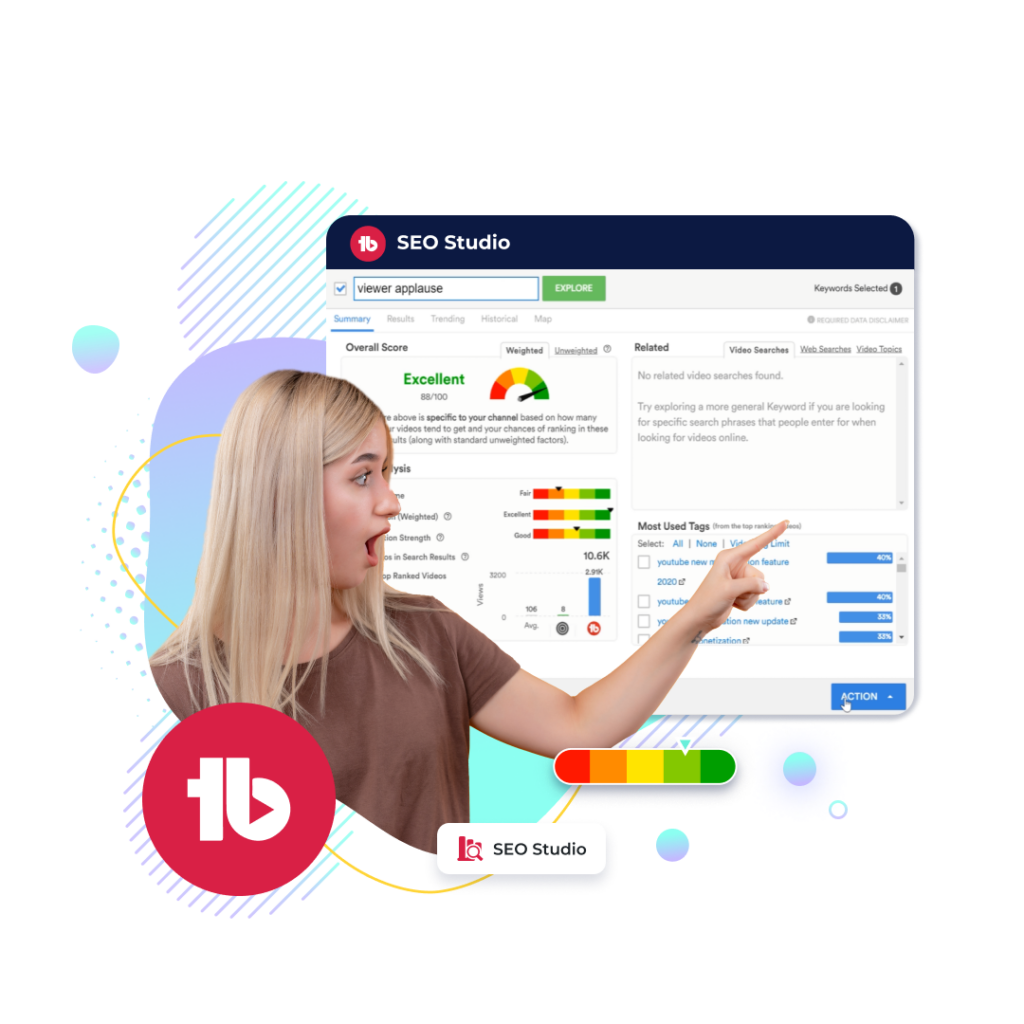
Show Up on More Searches
YouTube SEO Studio helps you rank for high-volume keywords and increase visibility across search, homepage, and suggested videos. As a complete YouTube optimization tool, it ensures your content aligns with what people are actively searching for.
Use SEO Studio with Keyword Explorer to target the right keywords and pair it with Click Magnet to understand which terms attract the most traffic and clicks.
Optimize Your Tags and Descriptions to Turn Your Videos to Gold
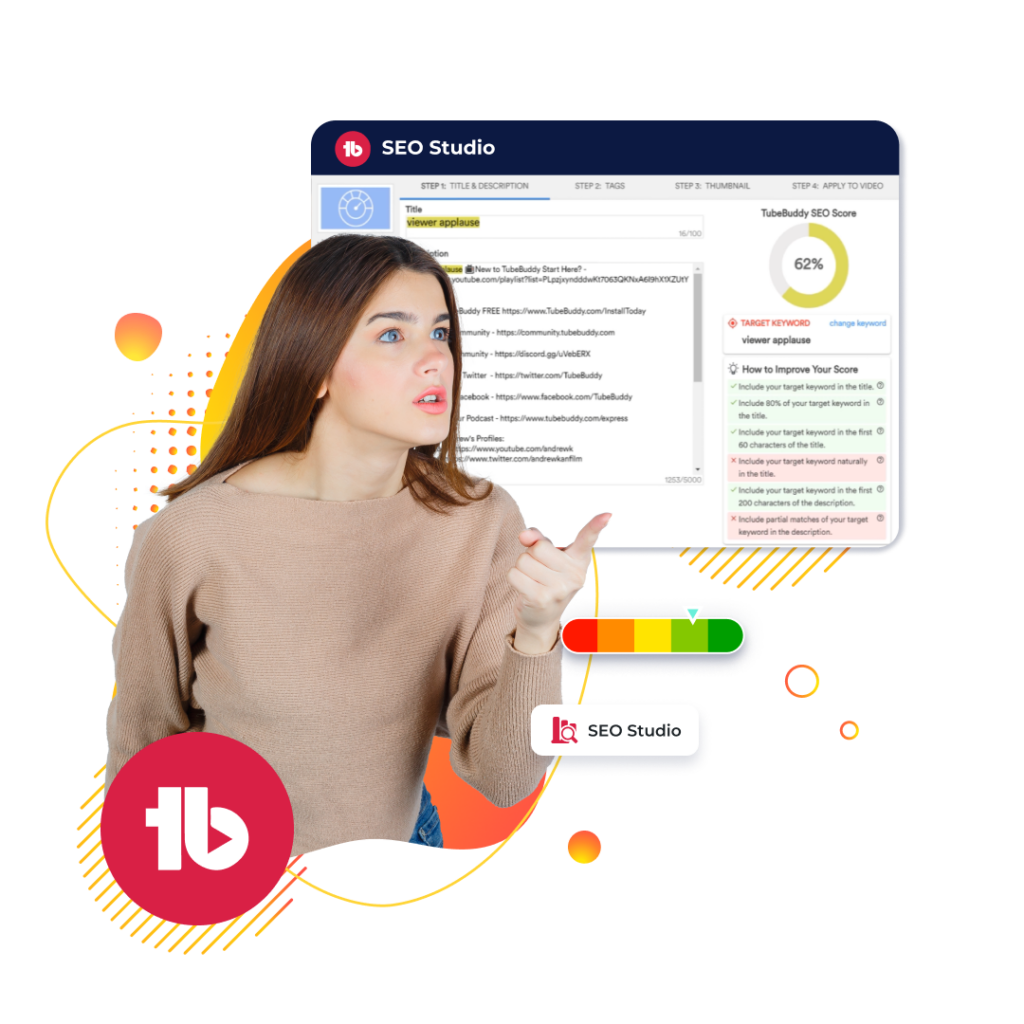
To improve visibility and rankings, you need to optimize YouTube tags and focus on effective YouTube description optimization. Without proper metadata, even great videos struggle to reach the right audience.
SEO Studio guides you through step-by-step improvements for tags, descriptions, and keywords to improve YouTube SEO. Pair it with A/B testing to measure how your optimizations impact rankings and CTR..
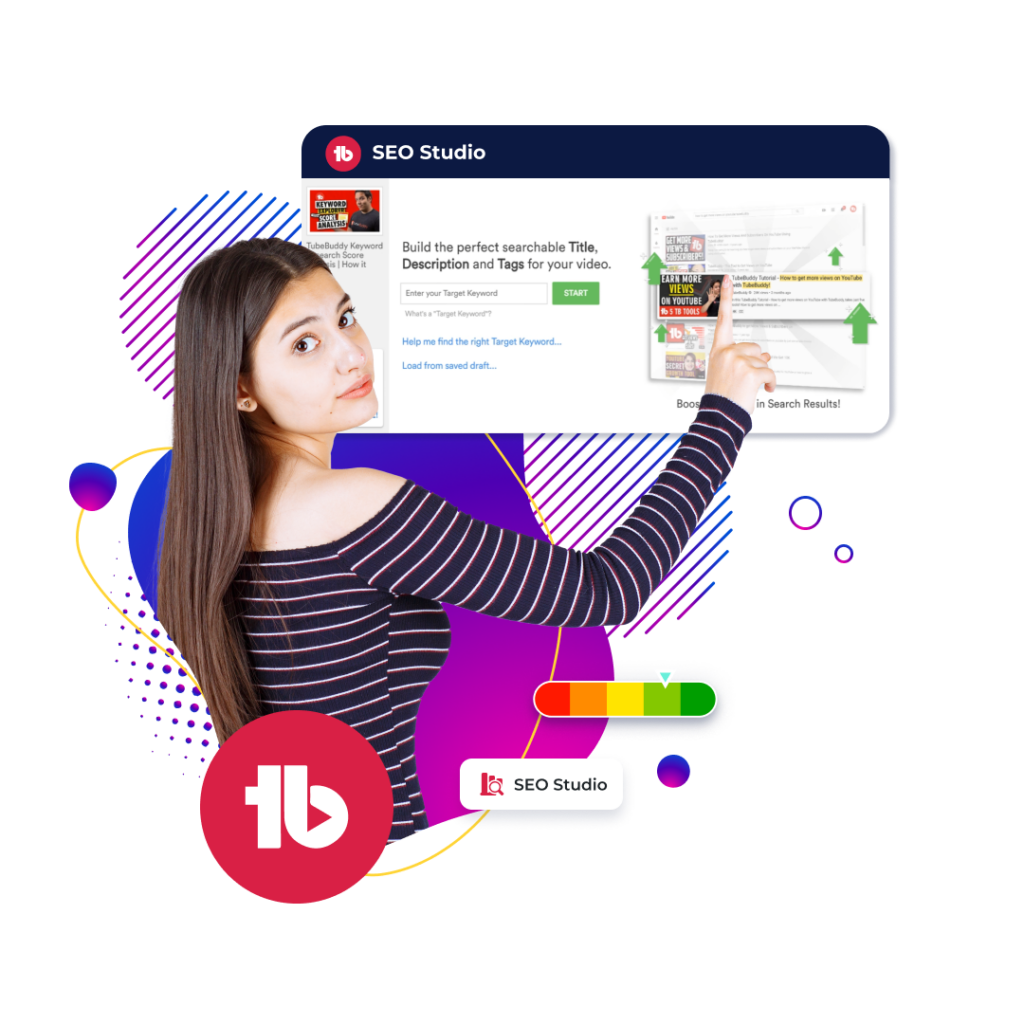

Why Beginners Love SEO Studio
SEO Studio is a beginner-friendly YouTube SEO tool built for creators who want clear guidance without guesswork. It breaks the YouTube SEO checklist into simple, actionable steps so you always know exactly what to optimize next.
Beginners love SEO Studio because it provides:
- Keyword suggestions based on real search demand
- Easy-to-follow optimization steps
- Ranking-focused recommendations
- A complete YouTube SEO tool experience inside one dashboard
Seen Enough? Check Out Which Licenses Offer SEO Studio
Feature spotlight
Feature available on

Free

Pro
Legend
Here’s How SEO Studio Works
Each optimization step is powered by real-time insights from our YouTube SEO tool, helping you understand how your keywords, title, and tags impact your search performance.
step 1
Select SEO Studio from the TubeBuddy drop-down menu in the top right corner.
step 2
Enter your target keyword to receive powerful suggestions and optimizations.
step 3
Add suggested tags and keywords to your videos to fully optimize the search success of your videos.
Step 1
Select SEO Studio from the TubeBuddy drop-down menu in the top right corner.
Step 2
Enter your target keyword to receive powerful suggestions and optimizations.
Step 3
Add suggested tags and keywords to your videos to fully optimize the search success of your videos.
Frequently asked questions
YouTube SEO Studio is TubeBuddy’s tool suite designed to help creators optimize their video metadata (titles, descriptions, tags, etc.) so their videos rank better in YouTube search and get more visibility.
- You open SEO Studio from the TubeBuddy menu.
- You enter your target keyword, and the tool gives real-time suggestions for optimizing title, tags, and description.
- SEO Studio also shows keyword ranking, search volume, competition level, and lets you improve metadata step by step.
Start by opening SEO Studio from your TubeBuddy dashboard. Enter your target keyword, and the tool will guide you through optimizing your title, description, and tags. It offers real-time suggestions, so you can apply improvements immediately and boost your video’s search visibility.
TubeBuddy SEO Studio helps improve your video rankings by optimizing metadata, suggesting relevant keywords, and tracking performance. It increases your video’s discoverability, saves time, and ensures that your content aligns with YouTube SEO best practices.
By using data-driven keyword suggestions, real-time metadata optimization, and performance analysis, TubeBuddy SEO Studio helps your videos appear in more relevant searches. This leads to higher click-through rates, more views, and better overall rankings.
TubeBuddy’s SEO Studio tools include:
- Keyword research
- Tag optimization
- Title and description enhancements
- Real-time SEO suggestions
- Video performance analysis
Yes, it suggests high-performing video tags based on real-time trends and search data. This ensures your videos are properly categorized and easily discoverable by your target audience.
Enter your main keyword in SEO Studio, and it will provide optimization tips for your title and description. The tool helps you write titles that are both engaging and keyword-rich, and descriptions that improve your video’s visibility in search results.
TubeBuddy offers valuable metrics like:
- Keyword ranking
- Search volume
- Competition level
- Optimization score
Absolutely. SEO Studio YouTube is beginner-friendly and offers step-by-step instructions, making it easy to optimize videos even if you’re new to SEO or YouTube content creation.
Avoid keyword stuffing, using irrelevant tags, or writing vague descriptions. Stick to relevant, high-ranking keywords, and ensure your metadata truly reflects the content of your video.
Use TubeBuddy SEO Studio to optimize every part of your video metadata, from the title to tags. Focus on searchable keywords, consistently apply optimization suggestions, and monitor analytics to improve with each upload.
Yes. Use features like A/B testing for titles and descriptions, regularly analyze competitor channels, and refine keywords based on real-time performance data to continuously enhance your reach and growth.
Use it every time you upload a new video. You can also revisit older videos periodically to re-optimize them based on updated keyword trends and performance analytics.
Many creators have significantly improved their video rankings and subscriber growth by following TubeBuddy SEO Studio’s recommendations. Real user testimonials often highlight how optimization boosted traffic and helped them scale their channels effectively.
- Free: Basic tools for casual creators
- Pro: Advanced features for growing channels
Legend: Full access to SEO Studio tools, A/B testing, and in-depth analytics.
A YouTube SEO tool helps you optimize titles, tags, and descriptions based on search demand so your videos appear in more relevant results.
SEO Studio provides guided optimization, keyword insights, and real-time recommendations inside one unified workflow.
Beginners follow step-by-step prompts inside SEO Studio to optimize metadata, keywords, and tags with zero technical complexity.
Yes. TubeBuddy SEO Studio uses real data and proven optimization workflows to remove guesswork and speed up ranking improvements.
You should review and improve metadata whenever search trends change or when videos underperform in rankings.
Other features
Look at these related features
View and Copy Video Tags
Identify video tags used by any video posted to YouTube and easily copy and paste them to your videos.
- Analyze the tags being used for higher performing videos
- Compare your competitors tags to your own
- Available in all plans
Thumbnail Analyzer
Analyze your video thumbnails with the power of AI to see what your audience sees and receive a predictive score for how they will perform.
- Compare potential thumbnails
- See what your audience does with our AI generated heatmap
- Available in pro and legend plans
Keyword
Explorer
Get your videos to rank higher on more search results with advanced keyword insights.
- Identify top searches relating to your content
- Discover trending tags to get more views
- Available in all plans



