


 Watch video








 Sign in with Google
YouTube Strategy
Channel refresh blueprint: How to rebrand your YouTube channel without losing views or SEO value


Rebranding your YouTube channel feels risky, but it might be the best move you ever made.
If you’re an early-stage creator, you’ve probably thought about changing your channel name, your branding, or even your niche. You’re not alone—many creators pivot in their first 12 months as they discover what content excites them (and their audience) most.
The fear, of course, is losing momentum: Will you tank your search rankings? Will old subscribers stop watching? Will all your hard-won SEO work vanish overnight?
The good news: with the right YouTube channel rebrand SEO strategy, you can refresh your channel and keep your search performance intact.

Get an unfair advantage on YouTube
Give your YouTube channel the upper hand and easily optimize for more views, more subs, and more of every metric that matters.
1. Should you rebrand your YouTube channel? Ask yourself this first
Not every creator needs to rebrand. You can pivot without having to undo and redo your work. Before diving in, check yourself against this quick list:
Are your old videos misaligned with your new direction?
Are you attracting the wrong audience?
Are your analytics stagnating or declining despite consistent effort?
If you answered “yes” to these, rebranding might be the smart next step.
When NOT to rebrand:
- You’re making an emotional decision after a bad upload.
- You’re burnt out and looking for a quick fix.
- You’re chasing trends unrelated to your long-term goals.
- You’re feeling bored
On the last point, it’s worth mentioning that you would get bored of your content long before your audience does. After all, you’re the one living it every day. In this case, find ways to get excited about your content again. To abuse the old adage, don’t throw the content strategy out with the gamer girl bath water.
Choosing to rebrand your YouTube channel—and yourself, as a YouTube creator—needs to be a considered and strategic move, not an impulsive one.
2. The SEO risk of rebranding, and how to protect yourself
SEO is super important for YouTube success but not every change you make will impact your SEO. Understanding what’s safe (and what’s risky) helps you move with confidence.
Changes that can affect SEO:
- Channel name (important for discoverability and brand searches).
- Metadata: channel description, video titles, tags, keywords.
- Topic or niche shift (if you change niche on YouTube, you’ll likely need bridging content to help your audience and the algorithm adjust).
See tips on choosing the right YouTube niche, 10 most competitive niches (and how to stand out), the 15 most profitable YouTube niches, and how to find the right YouTube niche for you.
Changes that usually won’t hurt you:
- Visual updates (updating channel art has no direct impact on YouTube SEO).
- Logo, banner, and thumbnail style (these affect click-through rate, not YouTube SEO rankings).
Does rebranding affect YouTube algorithm visibility?
Indirectly, yes. Rebranding can affect your visibility and how/if the YouTube algorithm promotes your content.
If your new content is drastically different from what viewers expect, watch time and CTR may drop, which can signal lower relevance. But if your new branding improves clarity, consistency, and targeting, it will be pleasing unto YouTube and the algorithm will bestow its graces upon you.
3. Step-by-step: How to rebrand your channel the smart (and SEO-safe) way
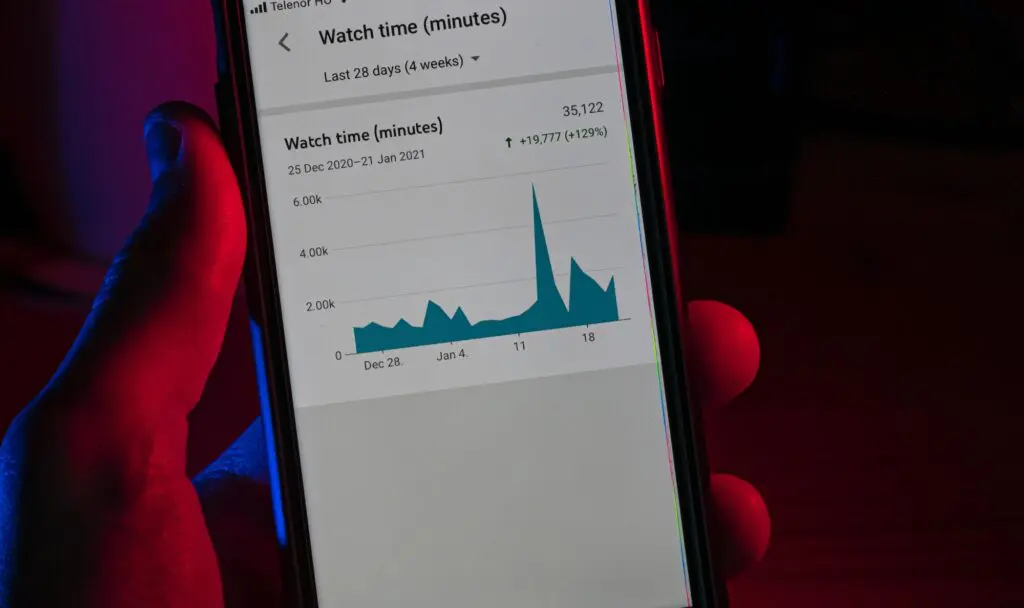
- Set your benchmarks. Take an analytics snapshot including your average views per upload, overall engagements, etc. This is the ruler against which you’ll measure before vs. after.
- One big change at a time. For example, update your channel name first. Then, if you’re shifting niches, roll out new content gradually.
- Communicate with your audience. Use pinned comments, video updates, and Community posts to explain the shift. Viewers are more forgiving if you bring them along.
- Keep old videos live. They’re still searchable and can bring in long-tail traffic. Use playlists to separate “old content” from “new content.”
- Update your channel description. Include your new focus area, target keywords, and clear value proposition.
- Refresh branding assets. New banner, logo, and thumbnails should visually match your new direction.
4. SEO checklist: Optimize your rebrand for discoverability
Here’s a quick SEO action list to follow during your rebrand:
- Use TubeBuddy YouTube Keyword Explorer to research keywords for your updated channel description.
- Identify SEO overlap between your old niche and your new niche—create “bridging content” to help existing subscribers transition.
- Refresh titles and tags on top-performing videos if they align with your new direction.
- Use TubeBuddy YouTube A/B testing to test new branding assets in thumbnails before committing to channel art and other assets.
- Track your analytics (when in doubt, set a weekly reminder) to spot gains or drops early.
5. Successful YouTube rebrands inspired by real creator stories
Example 1: Lifestyle vlogger → Productivity channel
One creator started with daily lifestyle vlogs but realized most viewers only watched her time-management tips. She rebranded fully to productivity content, updated her channel description with targeted keywords, and used TubeBuddy A/B testing for thumbnails. Result: minimal subscriber loss and a higher click-through rate.
Example 2: Gaming channel → Game dev tutorials
Another creator shifted from “Let’s Play” videos to teaching coding and design for indie games. Instead of deleting old content, he created playlists that clearly separated his niches. By building bridging videos like “How I built this game you saw me play,” he kept SEO equity while attracting a new, highly engaged audience.
6. Final thoughts: Don’t let fear stop your growth
Rebranding isn’t a reset button. Rebranding a YouTube channel is not an effort to undertake lightly. But with the right approach and the right strategy in place, it can be an important growth move. With planning, communication, and SEO in mind, you can evolve your channel without losing what you’ve built.
Think of SEO not as a fragile house of cards, but as a flexible framework that adapts with you.
Ready to rebrand?
Rebranding a YouTube channel is a big decision but with the right tools and strategies in place, it can mark the next stage of your growth as a creator and your overall YouTube journey.
TubeBuddy tools have your back from A/B testing concepts, to managing community, to effecting bulk YouTube edits, to ensuring your YouTube SEO is on point.
Your rebrand can be the launchpad for your next stage of growth—TubeBuddy makes sure you don’t lose the momentum you’ve worked so hard to build.
Get an unfair advantage on YouTube
Give your YouTube channel the upper hand and easily optimize for more views, more subs, and more of every metric that matters.





