


 Watch video




 Sign in with Google
YouTube Strategy
Creating an effective YouTube content calendar for consistent posting

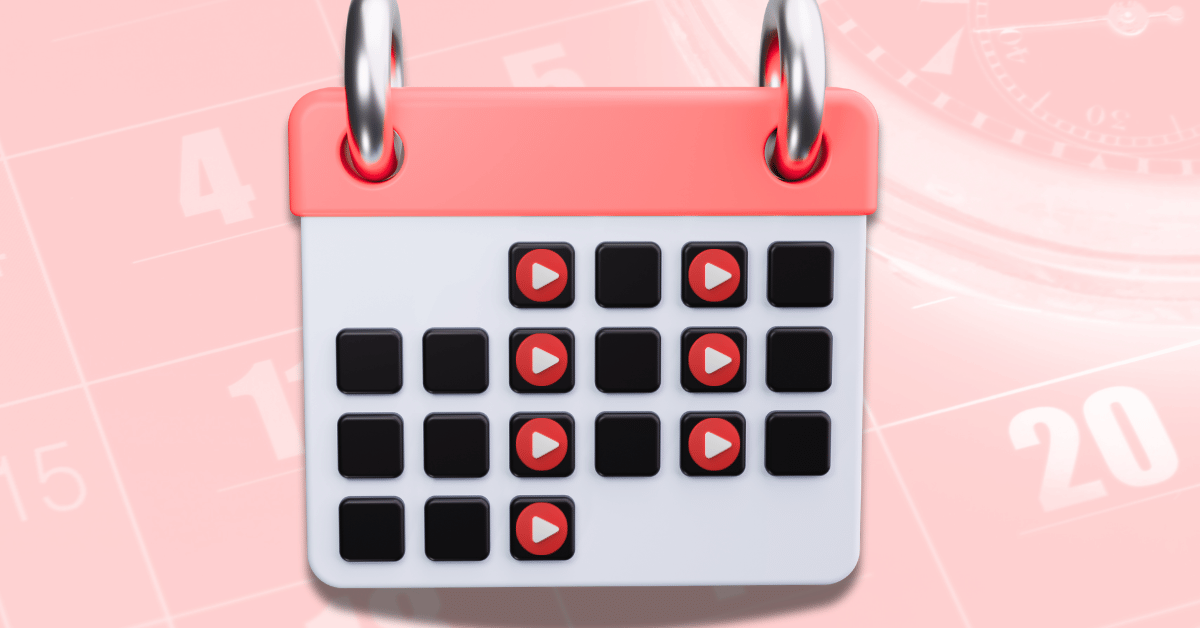
Consistency is key to growing your YouTube channel and keeping your audience engaged. Whether you’re just starting out or have been creating videos for a while, uploading regularly is essential. One of the best ways to stay consistent is by using a YouTube content calendar. This simple tool can help you plan, schedule, and organize your videos, making the whole process much easier.
In this blog, we’ll explain why having a YouTube content calendar is important, how to create one, and the tools that can help you stay on track.

Get an unfair advantage on YouTube
Give your YouTube channel the upper hand and easily optimize for more views, more subs, and more of every metric that matters.
Why a YouTube content calendar is essential
A content calendar is a strategic plan that outlines when and what type of content you will post on your YouTube channel. Without it, you risk missing upload deadlines, scrambling for YouTube video ideas, or, worse, losing touch with your audience. Here are some reasons why having a YouTube content calendar is essential for your channel’s success:
Maintains content consistency
Regular posting is vital to keeping your audience engaged. A content calendar helps you plan out your uploads in advance, ensuring you maintain consistency even during busy times.
Improves audience engagement
When you post consistently, your audience knows what to expect and when. This builds trust, which increases the chances of audience interaction through likes, comments, and shares. It also lets you figure out the best time to post on YouTube for your channel and build your schedule around that.
Helps with video planning
A content calendar allows you to organize your video ideas, ensuring that you create diverse and relevant content that appeals to your viewers.
Enhances your content strategy
With a structured plan, you can align your content with key dates, seasonal events, or specific goals. This makes your content more targeted and purposeful.
Steps to create a YouTube content calendar
Creating a YouTube content calendar involves more than just jotting down video titles. It’s about developing a clear plan that aligns with your content strategy and maximizes your audience engagement. Let’s go over the essential steps to build an effective calendar.
Planning video ideas and topics
The first step in creating a content calendar is brainstorming video ideas. This is where video planning comes into play. Consider the following methods to generate ideas:
- Audience feedback — check the comments section, surveys, or polls to understand what your viewers want to see. Their interests can guide your content creation.
- Trending topics — stay updated on trends and viral topics within your niche. This will help you create timely and relevant content.
- Evergreen content — include videos that can attract views over time, such as tutorials, how-to guides, or educational content. These videos continue to perform long after they’re posted.
Scheduling content for consistency
Once you have your video topics, the next step is YouTube scheduling. Consistency is critical for retaining viewers, and your content calendar helps you plan regular uploads. To effectively schedule your content:
- Set a posting frequency — decide how often you’ll upload (weekly, bi-weekly, etc.). Be realistic about how much content you can create without compromising quality.
- Choose optimal posting times — analyze when your audience is most active on YouTube using YouTube Analytics. Posting at the right time increases the chances of your video being seen.
- Batch production — plan several videos at once so you can film and edit in batches, which helps keep your schedule on track.
Tools to help you build a YouTube content calendar
Planning your YouTube content is much easier with the right tools. Whether free or paid, these tools can help you stay organized and efficient. Here are some options:
Free and paid content planning tools
Google Calendar, Trello, Notion, and CoSchedule are all great tools for organizing your content. Google Calendar is simple, with color coding and reminders. Trello lets you visually track tasks and collaborate with others. Notion offers customizable templates for planning, while CoSchedule is a paid tool that integrates with YouTube for scheduling and sharing videos.
\TubeBuddy is another powerful tool that integrates with YouTube, offering features like video tag management to help optimize your content and make it more discoverable.
Integrating analytics to optimize scheduling
To really boost your content planning, integrating YouTube Analytics and TubeBuddy insights is key. Analytics give you insights into your audience’s behavior, including when they’re most likely to watch your videos and what types of content perform best. By analyzing this data:
- Adjust upload times — look at when your audience is most active and adjust your posting times accordingly. Uploading when your viewers are online increases your chances of getting immediate views and engagement.
- Track performance — keep an eye on which videos are getting the most engagement. By identifying high-performing content, you can create more videos that match what your audience enjoys.
- Adjust video topics — use analytics to see which topics perform best. Plan your future videos around the types of content that get the most interest from your viewers.
Conclusion: maintaining consistency with a content calendar
A well-planned YouTube content calendar is one of the most effective tools for creators looking to maintain consistency, engage their audience, and grow their channel. By planning video ideas, scheduling content regularly, and using the right tools, you can streamline your content creation process, making it easier to achieve your goals.
With content consistency and an effective content strategy, your channel will become more organized, and you’ll see sustained growth in audience engagement and YouTube subscribers. Start building your YouTube content calendar today and set yourself up for long-term success.
Get an unfair advantage on YouTube
Give your YouTube channel the upper hand and easily optimize for more views, more subs, and more of every metric that matters.





